
Multi-MCP Incident Response for Live Production RCA
How we connected CloudWatch, Slack, and Jira into one AI-assisted loop to diagnose production issues faster and close incidents with stronger prevention outcomes.
The Problem
Production debugging followed a painfully familiar pattern. Alerts arrived without context, engineers manually pivoted between logs, chat, and ticketing tools, and similar incidents were re-investigated from scratch every time.
"Mean time to resolution was driven less by fix complexity and more by investigation overhead."
Solution Architecture
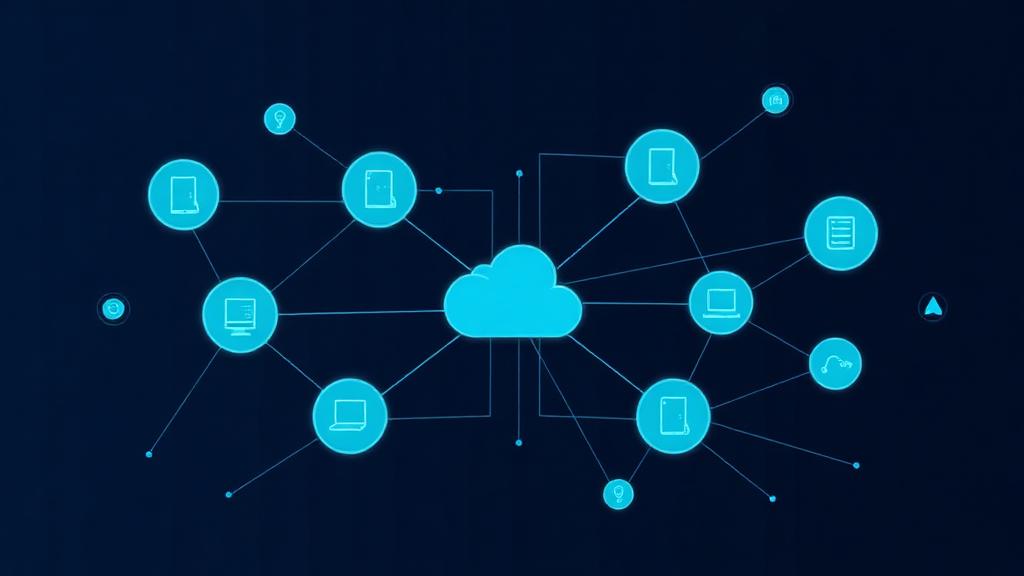
An AI incident agent orchestrates specialized MCP (Model Context Protocol) servers. Instead of one monolithic integration, each connector handles a single responsibility — making the system modular, testable, and independently upgradeable.
CloudWatch MCP
Log group discovery, Logs Insights queries, error pattern extraction, cross-group correlation
Slack MCP
Incident channel updates, executive summaries, threaded status progression for real-time coordination
Jira Integration
Ticket creation, lifecycle updates, RCA documentation, mitigation checklists, and prevention tasks
Incident Automation Pipeline
The pipeline follows a state-machine style flow — each step feeds the next with structured context, ensuring nothing falls through the cracks.
Intake Signal
Alert, user report, or ops trigger initiates the pipeline
Scope & Narrow
Identify time window, impacted service path, and blast radius
Query & Discover
Run CloudWatch Insights queries to find high-confidence anomalies
Cross-Service Correlation
Link related events across APIs, workers, and external integrations
Impact Classification
Classify as confirmed vs. likely — estimate affected users and routes
Publish RCA to Slack
Post structured summary with timestamped evidence to incident channel
Create/Update Jira Ticket
Full evidence, owner assignments, mitigation checklist, fix tasks
Track Prevention
Generate monitoring improvements and permanent fix action items
How Live RCA Works
The workflow doesn't just search for "ERROR" lines. It follows a hypothesis-driven investigation sequence.
Scope First
Narrow to relevant services and time range before searching
Find Evidence
Exceptions, auth failures, timeouts, 5xx bursts, dependency errors
Correlate
Link events across APIs, workers, and external integrations
Estimate Impact
Affected routes, tenant segments, blast radius confidence
Summarize
RCA-ready narrative with timestamped, linked evidence
Prevent
Generate monitoring improvements and permanent fix tasks
RCA Output Structure
Communication Model

Slack — Staged Updates
What is failing and where
Top correlated errors with timestamps
Customer-facing vs. internal impact
Mitigation status and next checkpoint
Final RCA and prevention actions
Jira — Structured Tracking
This removed the common gap between "we fixed it" and "we documented it."
Results & Impact
Faster Triage
Root-cause hypothesis generation went from hours to minutes
Lower Context-Switching
On-call engineers stay in one workflow instead of juggling 4+ tools
Better Stakeholder Sync
Engineering and business teams receive updates simultaneously
Consistent Documentation
Every incident produces a complete, structured RCA automatically
Stronger Prevention
Ticket-backed prevention work closes the loop on recurring issues
Repeatable Method
Team moved from reactive log searching to evidence-first investigation
Key Design Decisions
Modular MCP connectors
Over one monolithic integration — each connector can be improved independently
State-machine orchestration
Predictable incident flow where each step feeds structured context to the next
Evidence-first outputs
Timestamped, linked evidence instead of generic AI summaries
Dual-channel communication
Slack for speed and real-time coordination, Jira for traceability and accountability
Built-in guardrails
Credential-based access, log redaction, and safe summarization for production data
Lessons Learned
- Narrow scoping gives better RCA quality faster than querying wide first
- Correlation identifiers (request IDs, tenant IDs, transaction markers) are critical infrastructure
- Incident communications must adapt by audience — engineers need detail, stakeholders need impact
- Automation should draft, but confidence labels (confirmed / likely) are essential for trust
- Post-incident tasks must be generated at incident time, not days later when context is lost
What's Next
Blast-Radius Estimation
Better automatic estimation using service dependency maps and traffic patterns
Historical Similarity
Match current incidents against past RCAs to suggest likely root causes instantly
Prevention Recommendations
Auto-generate prevention tasks from recurring incident patterns
Deployment Correlation
Deeper integration with CI/CD events for faster causality mapping
Explore Our Services
Need a Similar Incident Response System?
We design and build AI-powered DevOps workflows tailored to your infrastructure. Let's talk about automating your incident response.
Start a Conversation